

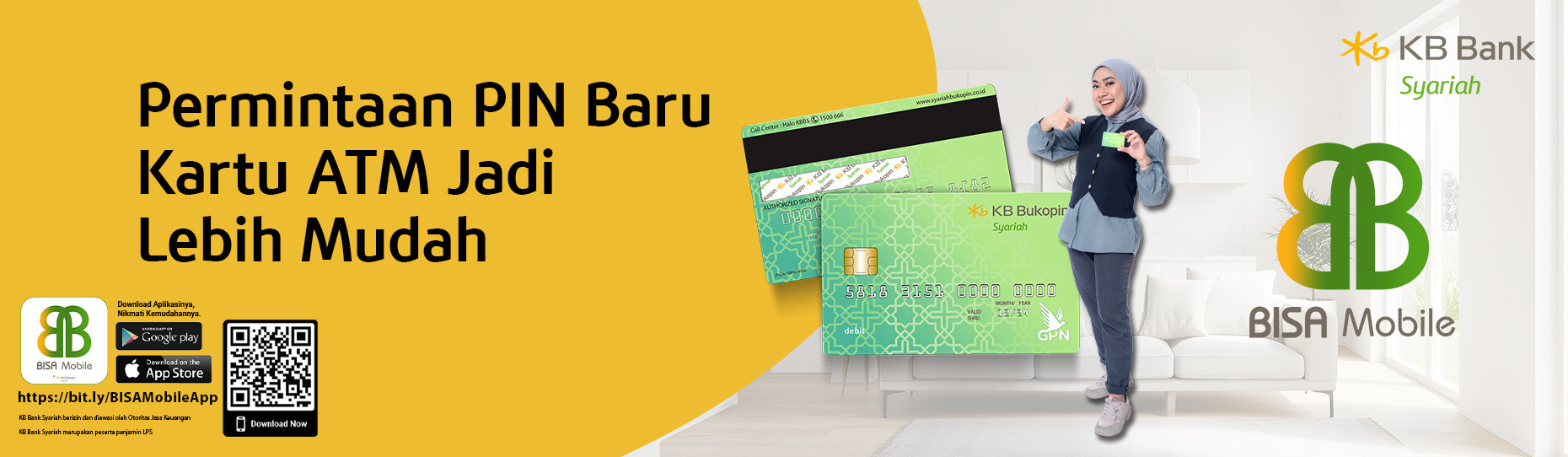
To improve system quality and strengthen ATM transaction security, we urge you to replace your ATM card or reset your ATM PIN, effective February 21, 2026.
The steps to take are as follows:
ATM Card Replacement
This can be done through Customer Service at the nearest KB Bank Syariah Branch Office, or ATM PIN Reset/Replacement can be done through:
a. Customer Service at the nearest KB Bank Syariah Branch Office, or
b. WhatsApp Business KB Bank Syariah at 085182827676 (official number/masked), with the following conditions:
PIN Reset Mechanism via WhatsApp:
a. Make sure to use the mobile phone number registered with KB Bank Syariah.
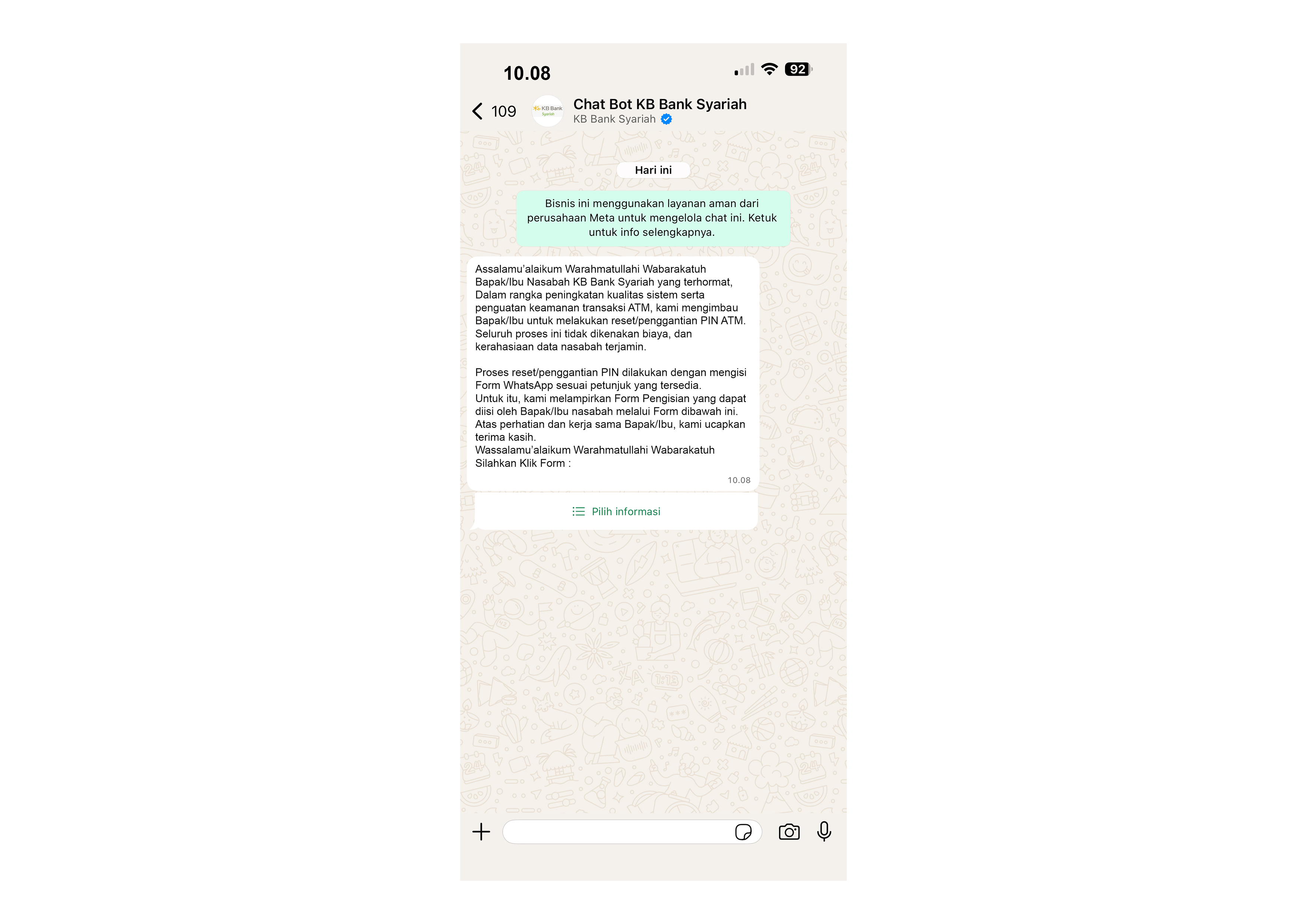
b. Fill out the form provided on WhatsApp sent by the bank to 085182827676 with the following format:
Enter 16-Digit ATM Card Number
Date of Birth (dd/mm/yyyy)
Example:
ATM Card Number: 4512490030001234
Date of Birth: 02091987
Once the data is verified, a 6-digit ATM PIN will be sent via SMS to the registered mobile number. Once the PIN is received, we recommend that you immediately change your PIN at a KB Bank Syariah ATM or visit the nearest branch office.
During this process, you can continue to use the BISA Mobile app to access banking services and utilize other e-channels.
The BISA Mobile app can be downloaded from the Play Store and App Store. The entire process is free of charge.
For further information, contact Halo KBBS 1500666 or WhatsApp KB Bank Syariah at 085182827676.
IMPORTANT NOTE